From first scan to a signed policy.
Syba is prevention and insurance in one place. Four layers turn an unknown risk into a protected household or firm, with a real human and an A-rated policy behind every one of them.
One path, run end to end.
See what is exposed.
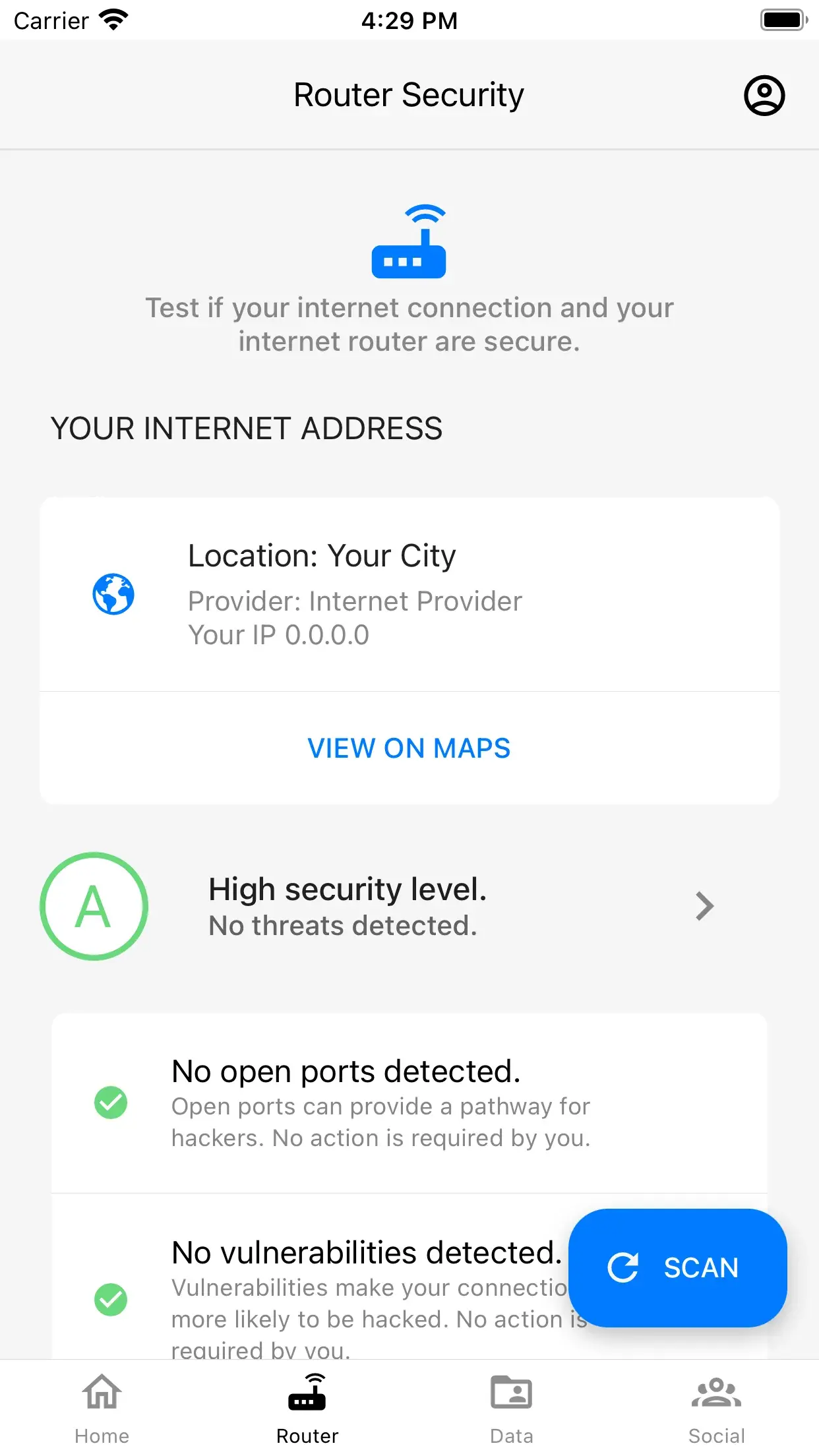
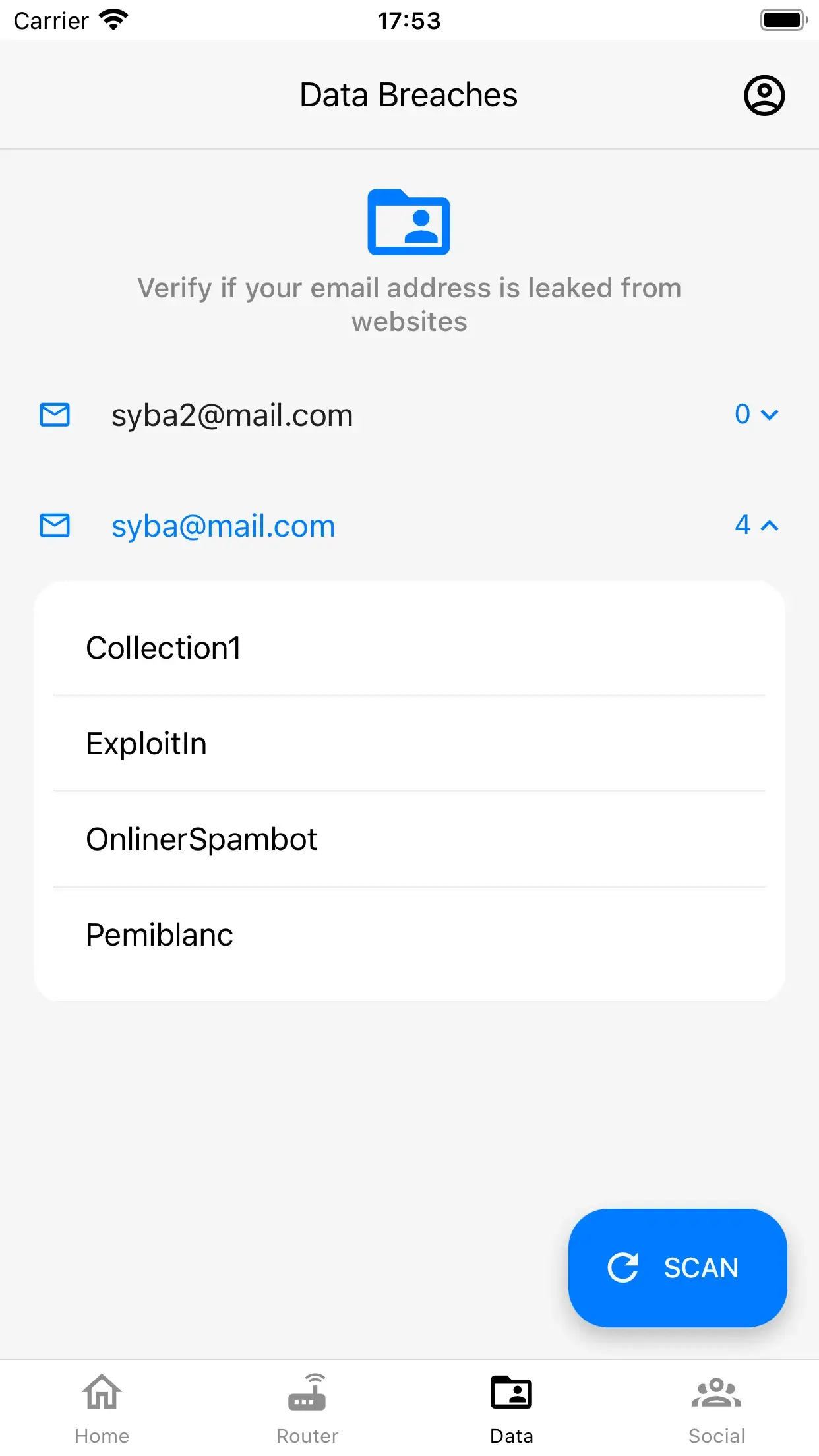
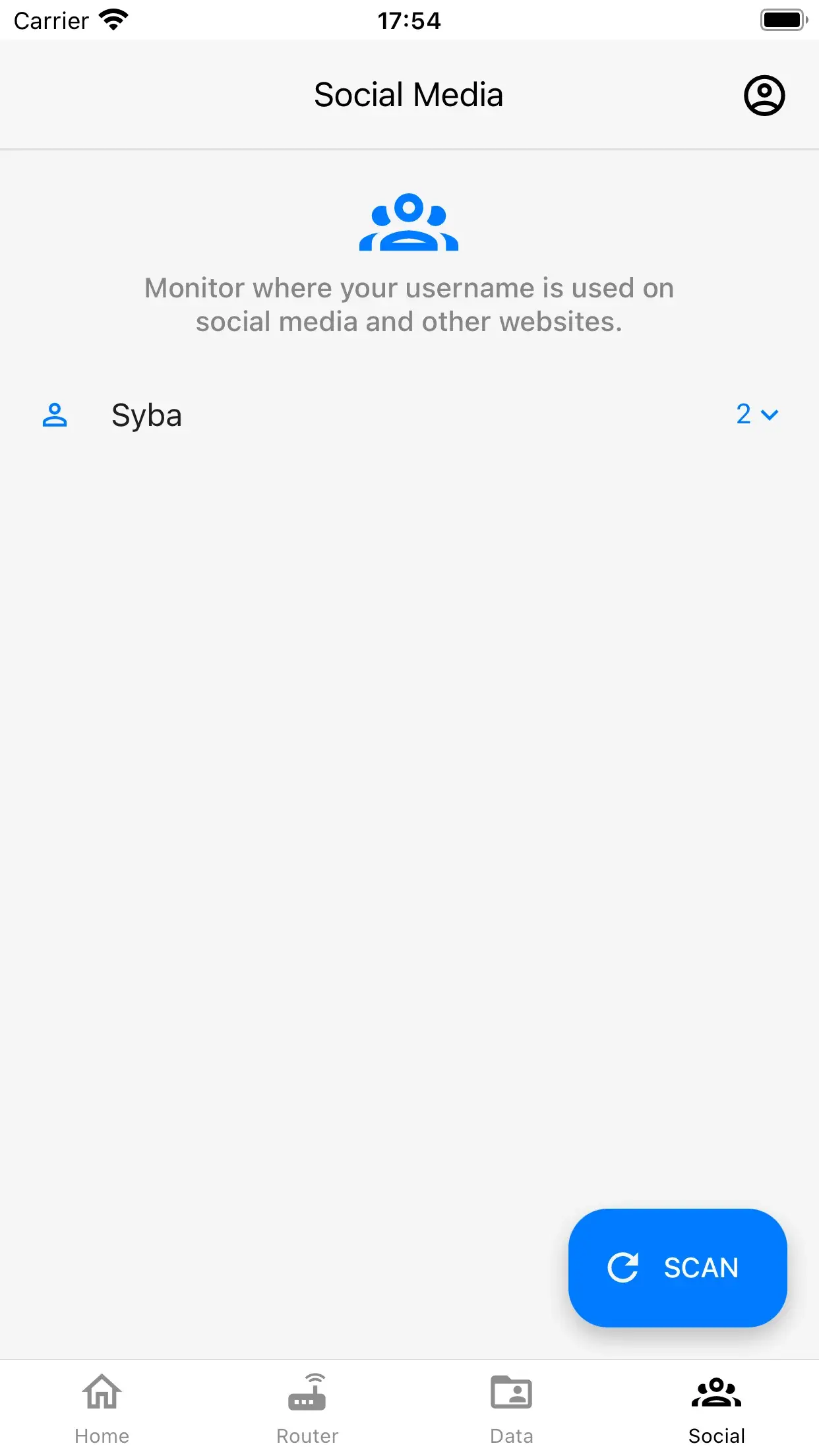
The Syba iPhone app tests your internet connection, looks up your email addresses in known data breaches and shows where your username is used on social media.
Stop phishing in the browser.
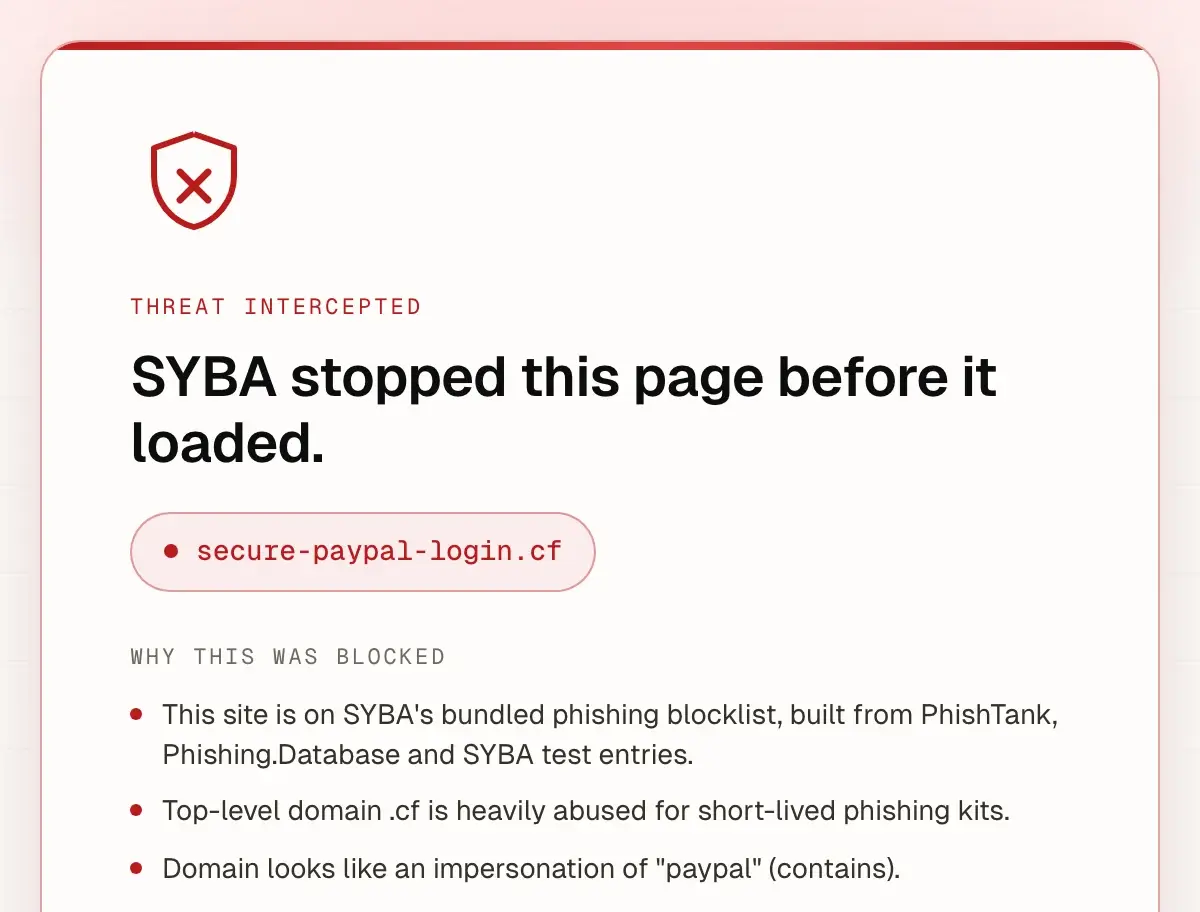
The SYBA Chrome extension checks each page you open and stops pages on its phishing blocklist before they load.
Call a person, not a queue.
When something happens, one engineer on the response desk owns the incident until it is closed.
Cover behind your household.
Up to $5M of cover from A-rated carriers, placed through licensed brokers. Coverage is subject to the terms of your policy.
- SilverCover up to $250K
- GoldCover up to $500K
- PlatinumCover up to $2M
- DiamondCover up to $5M
- Diamond +Cover up to $5M
Harden the human layer. Five-minute monthly episodes, tuned to every age in the home, so the people behind the devices stop being the easiest way in. Household training
From plan to protection, step by step.
Choose a plan, pay, set your password, then put the app, the desktop agent and the browser extension to work.
Choose a plan
Pick the plan that fits: one for you, one for your family or one for your business.
Pay securely with Stripe
Check out on Stripe, monthly or yearly, with the email address you want your account under.
Get your welcome email
After payment, a welcome email arrives at the address you paid with. Open it to set your password.
Get the iPhone app
Download the Syba app from the App Store and sign in with the same email. It tests your internet connection, looks up your email addresses in known data breaches and shows where your username is used on social media.

Connection test Breached email lookup Reach the help desk in one tap
If something looks wrong, open the app and tap Call to reach the SYBA cyber help desk. If money is moving or an account is being taken over, members can also use the SOS report in the dashboard. Claims come afterwards, and one page shows how a claim moves.
Prefer the phone? Call +1 (407) 378 6203
Add the desktop agent and the browser extension
Put the same protection on your computer. The desktop agent checks your Mac and your network, and the browser extension stops pages on its phishing blocklist before they load.
Start with the scan. It is free.
See where you stand, then choose the layer of cover that fits. You can move up any time.
Insurance coverage is provided by A-rated carriers, with capacity from Tokio Marine HCC - Cyber & Professional Lines Group and Chubb. Policies are placed through Syba’s licensed insurance brokers (EPIC Insurance Brokers & Consultants in the United States). Coverage, limits and availability vary by jurisdiction and are subject to the terms of the issued policy.